

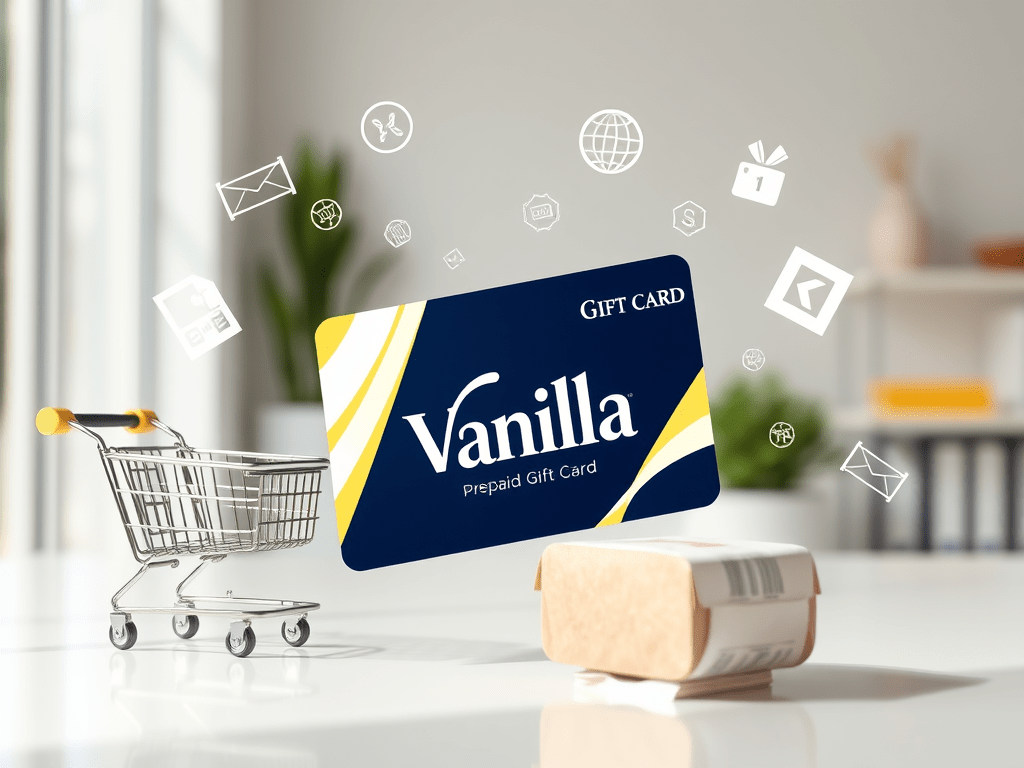
Learning how to use a Vanilla gift card is essential if you want to avoid declined payments or unused balances. Vanilla gift cards function like prepaid debit cards and can be used both online and in-store. This guide explains how to use a Vanilla gift card correctly, from activation to checkout.
What Is a Vanilla Gift Card?
A Vanilla gift card is a prepaid Visa or Mastercard that can be used anywhere those cards are accepted. Unlike store-specific cards, understanding how to use a Vanilla card gives you flexibility to shop across multiple platforms.
Key features include:
- Preloaded funds
- No bank account required
- Usable online and in physical stores
- Non-reloadable
How to Activate a Vanilla Card
Before learning how to use a Vanilla card, you must ensure it’s activated.
Steps to activate:
- Check the back of the card for instructions
- Visit the official Vanilla website
- Enter your card details
- Confirm activation
Most cards are activated automatically at purchase.
How to Check Your Vanilla Card Balance
Knowing your balance is a key part of how to use a Vanilla card effectively.
You can:
- Check online via the Vanilla website
- Call the phone number on the back of the card
Always confirm your balance before shopping online.
How to Use Card Online
If you’re wondering how to use a Vanilla card online, follow these steps:
- Add items to your cart
- Proceed to checkout
- Select “Credit” or “Debit Card”
- Enter the Vanilla gift card details
- Use a valid billing ZIP code if requested
Many users searching how to use a Vanilla card online find success on major platforms like Amazon, Walmart, and eBay.
How to Use Card In-Store
Another common question is how to use a Vanilla card in-store.
At checkout:
- Swipe or insert the card
- Select “Credit”
- Sign the receipt if required
If the total exceeds your balance, ask the cashier to split the payment.
Can You Use a The Card Internationally?
While learning how to use a Vanilla gift card, note that most cards are intended for U.S. use. International transactions may be declined, especially online.
Best practice:
- Use the card on U.S.-based websites
- Avoid recurring subscriptions
Common Problems When Using a Vanilla Card
Even when you know how to use a Vanilla card, issues can occur.
Card declined
- Insufficient balance
- Merchant doesn’t accept prepaid cards
Online payment issues
- Missing billing ZIP code
- Site restrictions on prepaid cards
Safety Tips for Using a Vanilla Card
To protect your funds while learning how to use a Vanilla card:
- Never share card details
- Avoid gift card scam websites
- Keep receipts until balance is zero
- Use the card promptly
Final Thoughts
Understanding how to use a Vanilla gift card helps you shop confidently online and in-store without payment issues. By checking your balance, using supported merchants, and following best practices, you can get the most value from your Vanilla gift card.

Leave a Reply