
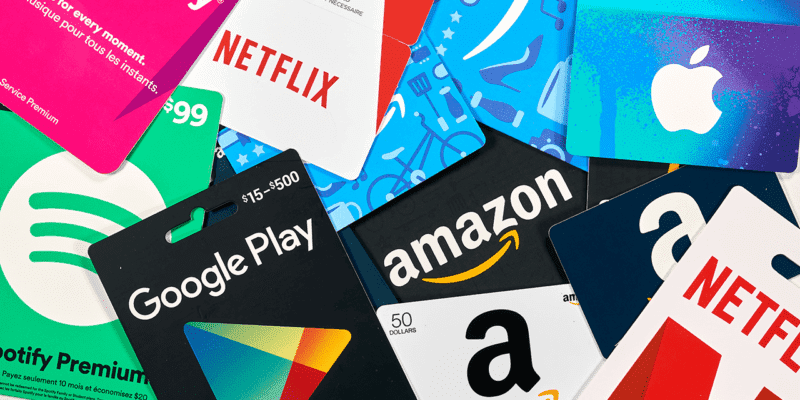

Amazon gift cards are one of the easiest and most flexible ways to shop online. Whether you received one as a gift or purchased it yourself, knowing how to use an Amazon card correctly ensures you don’t waste a single dollar. In this guide, you’ll learn how to use an Amazon card, redeem it safely, and make the most of your balance.
What Is an Amazon Gift Card?
An Amazon gift card is a prepaid card that allows you to shop on Amazon without using a credit or debit card. It can be used to purchase millions of items, including electronics, books, clothing, subscriptions, and digital products.
Amazon gift cards come in different forms:
- Physical cards (plastic or paper)
- E-gift cards (sent via email)
- Printable cards
- Promotional cards
How to Use an Amazon Gift Card (Step-by-Step)
Step 1: Sign In to Your Amazon Account
Go to Amazon.com and log in to your account. If you don’t have one, create a free Amazon account before proceeding.
Step 2: Go to the Gift Card Redemption Page
Once logged in:
- Click Account & Lists
- Select Gift Cards
- Click Redeem a Gift Card
Step 3: Enter Your Amazon Gift Card Code
Carefully type the claim code found on the back of your physical card or in your email for e-gift cards. Then click Apply to Your Balance.
✅ Your card balance will be added instantly to your Amazon account.
Step 4: Shop on Amazon
Browse Amazon and add items to your cart. Amazon cards can be used to buy:
- Electronics and gadgets
- Clothing and accessories
- Books and audiobooks
- Home and kitchen items
- Amazon subscriptions
Step 5: Use the Gift Card at Checkout
At checkout, Amazon will automatically apply your gift card balance.
If your balance doesn’t cover the full amount, you can pay the remaining balance using another payment method.
Where Can You Use an Amazon Gift Card?
Amazon gift cards are region-specific, meaning:
- A US Amazon gift card works only on Amazon.com
- A UK gift card works on Amazon.co.uk
Always check the Amazon website linked to your card before redeeming it.
What Can’t You Buy with an Amazon Gift Card?
Although Amazon cards are flexible, there are some restrictions. You generally cannot use them to:
- Buy other gift cards (Visa, Mastercard, etc.)
- Reload Amazon gift cards
- Purchase certain third-party subscriptions
Tips to Use Amazon Gift Cards Safely
- Never share your card code with strangers
- Avoid websites asking you to “verify” your Amazon gift card
- Redeem your card immediately after receiving it
- Keep emails and receipts for proof
These steps help protect you from Amazon gift card scams.
Frequently Asked Questions
Can I use an Amazon gift card without a credit card?
Yes. You can shop using only your Amazon card balance.
Do Amazon gift cards expire?
Most Amazon cards do not expire, but always check the terms for your region.
Can I transfer my Amazon gift card balance to another account?
No. Once redeemed, the balance cannot be transferred.
Final Thoughts
Learning how to use an Amazon card is simple and convenient. By redeeming it correctly and shopping smart, you can enjoy hassle-free purchases without needing a bank card. Whether you’re shopping for yourself or using a gifted card, Amazon cards offer flexibility, security, and ease.

Leave a Reply